

There’s an old saying that claims you haven’t truly lived until you’ve had a child, planted a tree, and written a book. Well, if you’ve already taken care of the first two, it’s time to focus on your final task. But don’t worry, we’ve got the perfect way for you to accomplish it without breaking a sweat. In this latest guide from The AI Content Factory, we’re dedicating 2,000 words to showing you how artificial intelligence can help you write that book you’ve always dreamed of. So, grab a cup of coffee (or tea if that’s your style), sit back, and let’s get to work on making that last wish a reality!
How to use AI to write a book, step-by-step guide
Step 1 – Brainstorm and generate ideas
Every great book starts with a spark of inspiration. Whether it’s a gripping plot, a quirky character, or an intriguing concept, that’s where the magic begins. But what happens when inspiration doesn’t strike as easily? Enter AI. Tools like ChatGPT or Sudowrite are your new brainstorming partners, helping you come up with ideas, themes, or even complete character profiles based on a few prompts.
Imagine sitting on your couch, coffee in hand, and simply asking, “Hey, what are some great ideas for a sci-fi novel?” These tools can analyze millions of books, trends, and popular themes to provide you with ideas you may have never considered.
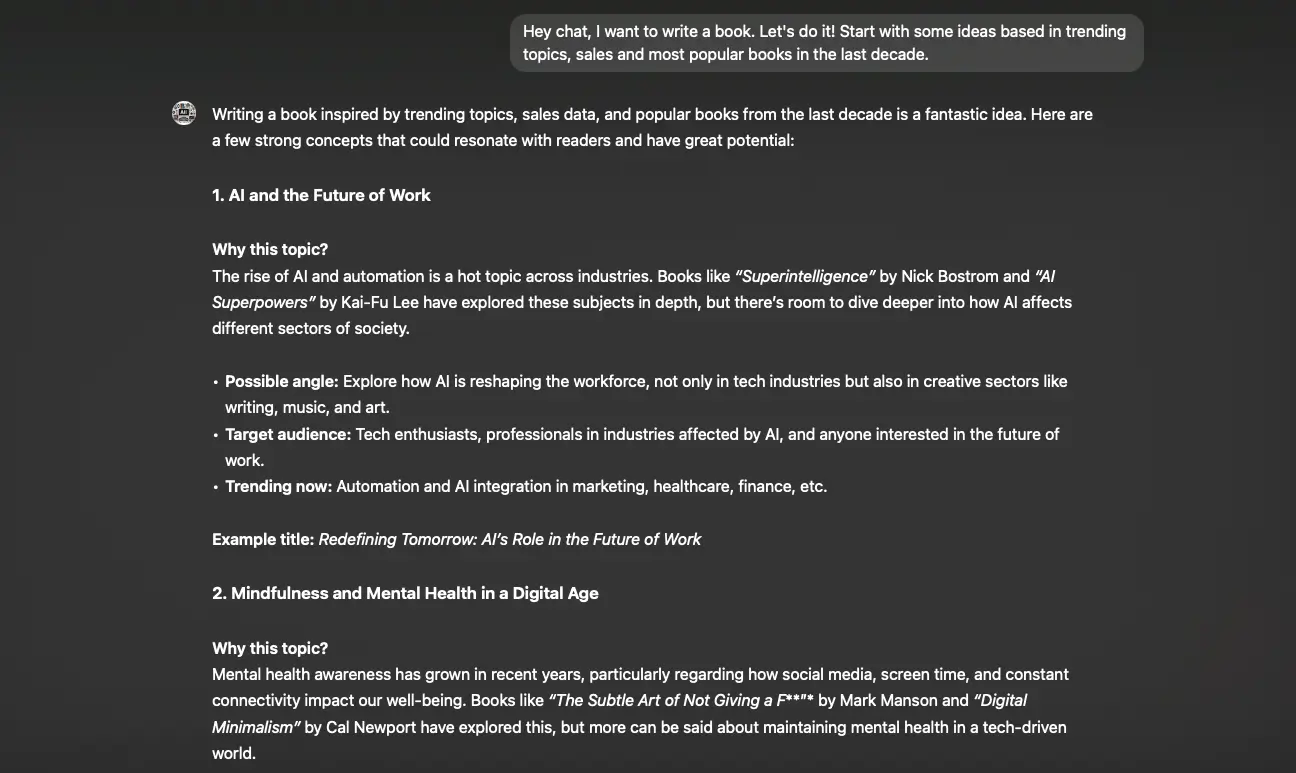
ChatGPT has given us some ideas for our agency to create a book, learn about our experience!
And if you’re more of a “voice memo” kind of person, don’t worry—AI has you covered. Tools like Voicenotes allow you to speak your thoughts out loud and have them transcribed instantly. Gone are the days of losing ideas to memory; now, you can capture your creative sparks anytime, anywhere.

Step 2 – Create an outline with AI tools
Now that you’ve got your brilliant idea, it’s time to give it structure. This is where AI can truly start to shine. Instead of staring at a blank page, you can use AI tools like Sudowrite or Squibler to automatically generate a detailed outline for your book. These tools analyze popular narrative structures and help you break down your story into manageable chapters, plot points, and character arcs.

Whether you’re writing a complex thriller or a heartwarming romance, AI-generated outlines offer you a clear framework. Plus, you can always tweak and adjust them as you go along. Think of it as having a roadmap, but you’re still the one steering the car. These tools are great for fleshing out character motivations, key events, and even those crucial cliffhangers that keep readers turning the pages.
You’re now ready to tackle the next big step: getting words on the page!
Step 3 – Draft your manuscript with AI assistance
Here comes the part that often feels the most intimidating: writing your first draft. But with AI, this step becomes much easier—and faster. Tools like ChatGPT, Sudowrite, and Claude allow you to generate entire scenes, dialogues, or even entire chapters based on simple prompts.

You might start with something as basic as, “Write the first chapter of a mystery novel where the main character discovers a hidden letter,” and voilà—the AI gets to work. You can use it as a collaborative partner, bouncing ideas back and forth to refine the text and adjust the tone as needed. The trick is to treat the AI as a creative companion, using it to overcome writer’s block and speed up the process of getting words on the page.
And don’t forget, if you’re more of an oral storyteller, you can dictate your ideas using Voicenotes or similar apps. The AI will transcribe it into text, giving you a first draft that sounds conversational and natural.
Step 4 – Enrich your content with AI
With your first draft in hand, it’s time to add some depth to your writing. AI can help take your story to the next level by generating vivid descriptions and sensory details that make your scenes come alive. Tools like Anyword are perfect for crafting those rich, evocative passages that transport readers directly into your world.

Simply input a few basic details—perhaps the setting of a rainy city or a character’s quirky mannerisms—and the AI will generate multiple variations for you to choose from. Want to add a little more mystery to your detective novel’s setting? AI can describe foggy streets and dimly lit alleys with ease. You can then copy the best suggestions into your manuscript, allowing AI to do some of the heavy lifting in the creative process.
This is particularly useful when you’re stuck on phrasing or just need to speed up the process without sacrificing quality. You stay in control, while AI adds the extra polish that makes a story stand out.
Step 5 – AI-powered editing tools
Now that your draft is enriched and full of potential, it’s time to clean things up. This is where AI can help polish your work. Tools like Grammarly and ProWritingAid do more than just check for basic grammar and spelling errors—they can analyze your manuscript for clarity, conciseness, and even tone.
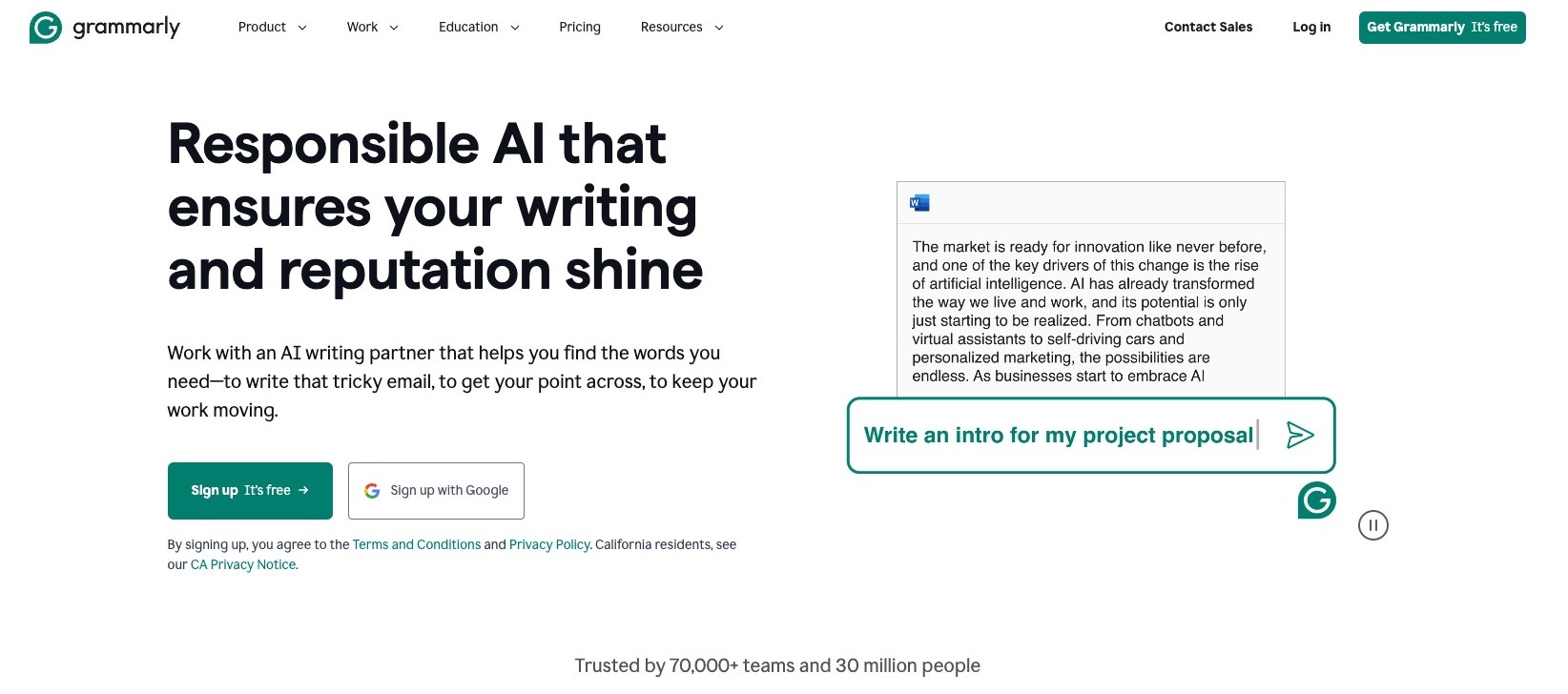
These AI-powered tools are great for spotting inconsistencies in your story or suggesting ways to tighten up your prose. Hemingway Editor, for example, focuses on making your writing more readable, highlighting complex sentences that might trip readers up . It’s like having a personal editor on standby, ready to give you feedback 24/7.
Remember, while AI editing tools are helpful, they shouldn’t replace a human editor entirely. Use them for the first round of edits to catch common mistakes and improve flow before handing it off to a professional or giving it a final human pass.
Step 6 – AI analysis for manuscript improvement
After editing, it’s time to take a step back and analyze the big picture of your manuscript. AI tools like Marlowe can provide a detailed review of your book’s pacing, character development, and emotional beats by comparing it to thousands of successful titles. This AI-driven feedback helps you identify areas that may be dragging or sections where the tension could be heightened.
For instance, Marlowe can show you if your story lacks momentum in the middle chapters or if certain characters need more depth to engage readers better. This is an invaluable tool for fine-tuning your book, offering insights that you might not catch on your own. Think of it as a data-driven beta reader, giving you objective advice based on bestseller patterns.
You need AI content enhanced and reviewed by humans
Step 7 – Generate book covers and illustrations using AI
Now that your manuscript is polished, it’s time to focus on the visual elements—starting with the book cover. A well-designed cover is crucial for grabbing potential readers’ attention, and AI can help here too. Tools like MidJourney or DALL-E allow you to generate stunning and unique cover concepts based on your book’s genre and themes . Simply input a description of the mood and elements you want in the design, and the AI will generate multiple options for you to choose from.

Beyond the cover, AI tools can also create illustrations or diagrams for the interior of your book, especially helpful if you’re working on a non-fiction project. These visuals can add depth and clarity to your chapters without the need to hire a designer.
Step 8 – Self-publishing with AI assistance
With your manuscript and cover ready, it’s time to publish! AI can assist in formatting your eBook for platforms like Amazon KDP, Apple Books, and Barnes & Noble Press. Tools like Reedsy offer templates for clean, professional eBook layouts that can save you hours of work.

Finally, don’t forget marketing. AI can even generate promotional copy and ad descriptions optimized for platforms like Amazon or social media, helping you reach the right audience .
With everything in place, you’re just a few clicks away from publishing your AI-enhanced masterpiece.

0 Comments